


How long does printer cartridge last
source: Time:2026-03-20 views:142
How Long Do Toner Cartridges Last? Everything You Need to Know
You're in the middle of printing something important. The printer hums along, page after page. Then it stops. That little "Low Toner" light blinks at you, and you realize you have no idea how long the last cartridge actually lasted—or how long the next one might.Here's the thing about toner: it doesn't have a simple answer. But once you understand the variables, you can stop guessing and start planning.
The Short Answer
Most toner cartridges last somewhere between 2,000 and 20,000 pages. That's a wide range because it depends entirely on what you're printing and how you're printing it. A standard cartridge might get you 2,000–5,000 pages. High-yield? 5,000–15,000. Extra high-yield can push past 20,000.
But those numbers on the box? They're based on a very specific scenario. Let's talk about that.
The 5% Page Coverage Myth
When manufacturers say a cartridge yields 2,000 pages, they're calculating based on 5% page coverage. What does 5% coverage look like? A short business letter. Date, salutation, a paragraph or two, signature. Lots of white space.
Now think about what you actually print.
A tax return with dense text and small type? You're looking at 10–15% coverage. That cuts your page yield in half or more.
A presentation with graphics and bold headers? 25% coverage. You're burning through toner three times faster than the box suggests.
A full-page photo or flyer with a dark background? You're over 80% coverage. That cartridge won't last long at all.
It's not that the manufacturer lied. It's just that nobody prints short business letters 2,000 times in a row. Real life is messier.
Toner vs. Ink: A Quick Comparison
If you've ever used an inkjet printer, you know the pain of dried-out ink cartridges. You print once a month, and every time you do, half the ink is already crusted up in the nozzles.Toner doesn't have that problem. It's a dry powder. It doesn't dry out. It doesn't clog. A toner cartridge can sit in a closet for a year and still print perfectly the day you install it.
That makes toner the better choice for:
High-volume offices that print constantly
Home users who print irregularly (no drying out between jobs)
Anyone who wants predictable, long-term printing costs
The trade-off? Toner cartridges cost more upfront than ink cartridges. But they last significantly longer, so the cost per page usually ends up lower.
How to Make Your Toner Last Longer
You don't have to accept whatever page yield the box gives you. Small changes add up.Use draft mode for internal stuff.
That document that's just for your eyes or a colleague's? Switch to draft or eco mode. It uses less toner, and for plain text, you won't notice the difference. Save the high-quality settings for client-facing materials.
Print in black and white when color isn't necessary.
Color toner is expensive. If you're printing a draft or an internal memo, set your printer to grayscale. You'll save the color cartridges for when they actually matter.
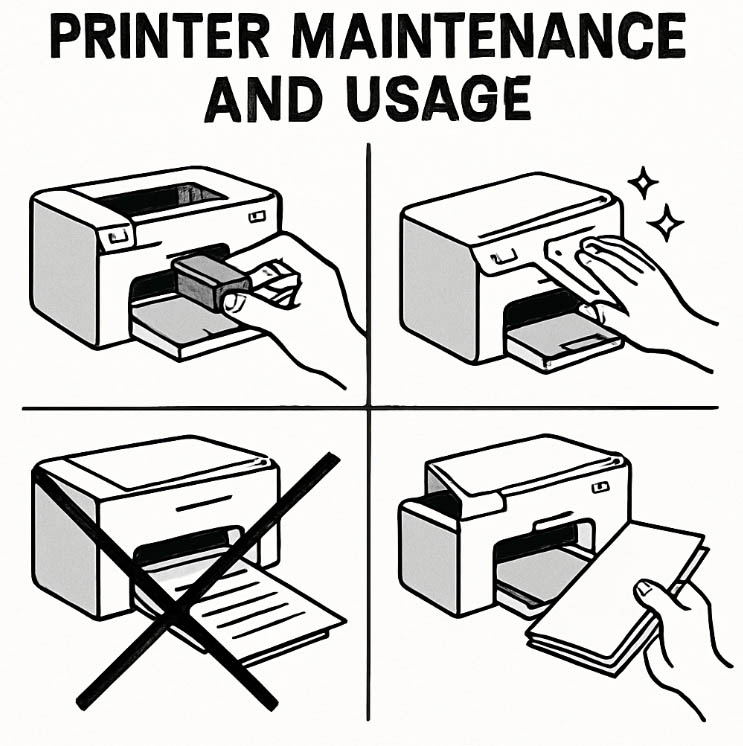
Keep your printer clean.
Dust and debris inside the printer can cause toner to waste. A quick wipe-down every few months helps. So does keeping the printer covered when not in use.
Avoid power cycling.
Turning the printer on and off repeatedly puts wear on components. If you're not using it for a while, leave it on sleep mode instead of flipping the switch every time.
How to Store Spare Toner (So It's Ready When You Need It)
You bought in bulk. Smart. Now don't ruin it.Keep it cool. Toner is heat-sensitive. A hot car or a sunny windowsill can cause the powder to fuse inside the cartridge. Not good.
Keep it dry. Moisture is the enemy. Toner clumps like flour in a humid environment. If your storage closet gets damp, find another spot.
Keep it flat. Store cartridges horizontally, not standing on end. This prevents the powder from settling unevenly.
Leave it sealed. The foil wrapper isn't just packaging. It keeps moisture and dust out. Don't open it until you're ready to install.
Signs Your Cartridge Actually Needs Replacing
Not every "Low Toner" warning is real. Sometimes the sensor gets confused. Here's how to know when it's actually time.
Faded text down the center of the page. This is usually low toner. Try taking the cartridge out, rocking it gently side to side a few times, and reinstalling it. You can often squeeze out another 50–100 pages.
Streaks or spots in a repeating pattern. That's not the toner—that's the drum. The drum unit is a separate component that wears out over time. If the pattern repeats every few inches, the drum needs replacing, not the toner.
Persistent error messages after installing a new cartridge. Check that you removed all the packing tape and the protective cover. If you did and it's still complaining, the chip might not be seated correctly. Pull it out and reseat it.
OEM vs. Compatible vs. Remanufactured: Which One Lasts Longer?
This is the big question. Let's break it down.OEM (Original Equipment Manufacturer):
The one with the printer brand's logo on it. Most reliable. Best compatibility. Also the most expensive. If you need absolute consistency and don't want to think about it, this is your choice.
Compatible (New Build):
A new cartridge made by a third-party manufacturer to match OEM specs. Often 50–70% cheaper. Quality varies by manufacturer, but reputable brands like PCI test every batch to meet or exceed OEM standards. Page yield is usually comparable.
Remanufactured:
An old OEM cartridge that's been cleaned, refilled, and tested. Cheapest option. Also the most variable. Some are excellent; some are not. If you go this route, buy from a supplier with a solid warranty.
So which lasts longer? A good compatible cartridge will match OEM page yield. A bad one won't. The key is finding a supplier you trust.
What About the Environment?
Toner cartridges don't belong in the trash. They're recyclable.Most manufacturers have take-back programs. Office supply stores often collect them. Some even give you store credit for turning them in.
If you're using compatible or remanufactured cartridges, you're already extending the life of materials that would otherwise end up in a landfill. It's not the main reason to buy them, but it's a nice bonus.
The Bottom Line
A toner cartridge lasts as long as you need it to—if you understand how to use it, store it, and know when it's actually empty.Match the cartridge type to your volume. Standard yield for occasional printing. High-yield for anything regular.
Use draft mode for internal documents. Save the good stuff for what matters.
Store spares properly. Cool, dry, flat, sealed.
Don't trust every low-toner alert. Sometimes a simple shake gets you another hundred pages.


