


TN760 Compatible Toner Cartridge: With Chip or Without? Your Ultimate Buying Guide
TN760 Compatible Toner Cartridge: With Chip or Without? Your Ultimate Buying Guide
If you’re in the market for a replacement TN760 toner cartridge for your Brother printer, the first question you’ll face is: should you choose a version with chip or without? As a high-yield staple for models like the Brother HL-L2350DW, MFC-L2710DW, and DCP-L2550DW, TN760 compatible toners offer a budget-friendly alternative to OEM cartridges—but the chip vs no-chip debate can make decision-making tricky. Do you need the chip for seamless printer recognition? Will a without-chip TN760 save you money without sacrificing performance? This ultimate buying guide breaks down compatibility, installation steps, cost comparisons, and top tips to help you pick the perfect TN760 compatible toner cartridge for your home office or small business printing needs.
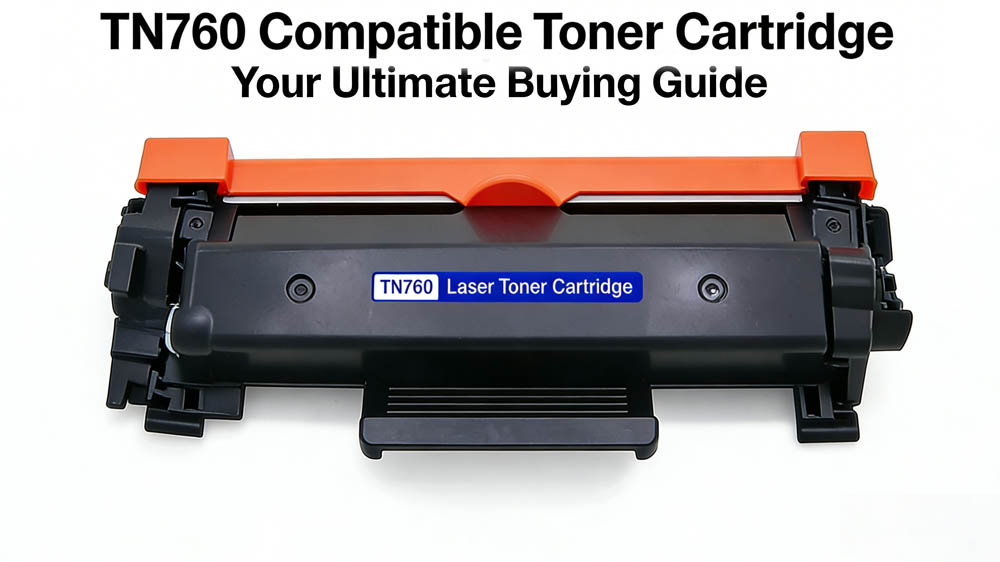
A TN760 compatible toner is a third-party manufactured alternative designed to work in Brother printers. The main draw is a significantly lower price compared to the original, while aiming to match the print quality and page yield. Opting for compatibles is a proven way to slash your printing costs.
The Core Debate: With Chip vs. Without Chip
The "chip" on a toner cartridge is a small electronic component that communicates with your printer. It identifies the cartridge, monitors toner levels, and tracks page counts. While genuine Brother cartridges always have a chip, compatible ones give you a choice:
1. TN760 Compatible Toner With a Chip
How it Works: These cartridges come pre-installed with a third-party compatible chip, typically reverse-engineered or recycled and reprogrammed.
Pros:
Plug-and-Play Simplicity: Installation is just like the original—unbox it and put it in. Extremely straightforward.
Seamless Experience: The printer usually recognizes it immediately. You might get a one-time "non-genuine" warning, but it's easily dismissed.
Toner Level Monitoring: Your printer will usually display a toner level indicator, so you can plan ahead.
User-Friendly: The best "set it and forget it" option, especially for those who aren't tech-savvy.
Cons:
Higher Cost: Priced slightly more than non-chipped versions.
Firmware Update Risk: Printer manufacturers sometimes release firmware updates to block non-genuine chips, which could render your compatible cartridge unusable.
Chip Quality Varies: Lower-quality chips might cause recognition errors or inaccurate level reporting.
Best For: Users who value convenience, dislike DIY hassles, or are less familiar with printer mechanics.
2. TN760 Compatible Toner Without a Chip
How it Works: These cartridges arrive without any chip. You must physically remove the chip from your old (genuine or used compatible) cartridge and install it onto the new one.
Pros:
Maximum Savings: This is the most economical option, often the cheapest available.
Firmware-Update Resistant: Since you're reusing the original chip, printer firmware updates are less likely to cause issues (unless the update specifically damages the chip).
Eco-Friendly: Extends the life of the electronic chip, reducing e-waste.
Cons:
Manual Labor Required: You have to carefully swap the chip. It demands a bit of dexterity and carries a risk of damage if done incorrectly.
Potential Error Messages: Even after swapping, the printer may still show "toner low" or "non-genuine" warnings (because the chip's page counter is full). You'll often need to manually bypass these messages.
Inaccurate Toner Monitoring: The printer cannot reset the chip's counter, so the toner level display will be unreliable. You'll need to judge by print quality.
Useless Without an Old Chip: If you don't have an old chip to transfer, you can't use this cartridge.
Best For: Budget-conscious users who are comfortable with a bit of hands-on work to save more money.
How to Choose: Your Final Checklist
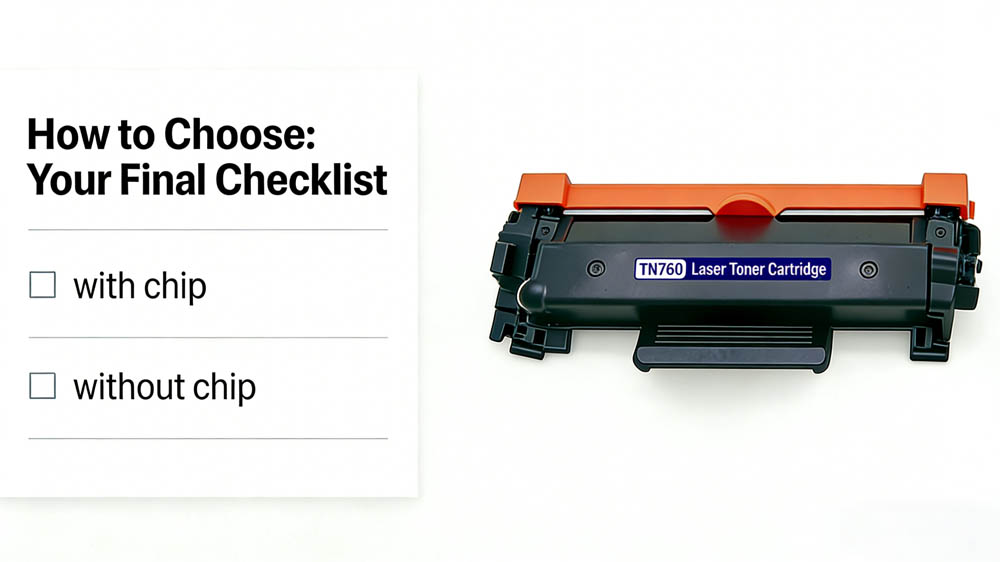
Your Budget: Pinching every penny? Go without a chip. Willing to pay a small premium for hassle-free operation? Choose with a chip.
Your DIY Comfort Level: Prefer things simple? With a chip is your friend. Enjoy a minor challenge and don't mind getting your hands (lightly) dirty? Without a chip will reward you.
Your Printer's Firmware: Does your printer auto-update frequently? A chipped compatible might be at risk. A non-chipped (with original chip swap) setup is often more stable. Firmware never updates? A chipped compatible should work fine.
Supplier Reputation: This is critical. Buy from a reputable seller known for quality and support. For non-chipped cartridges, ensure they provide clear, detailed chip transfer instructions (video guides are a huge plus).
Your Print Volume: High-volume users will see more significant long-term savings with non-chipped cartridges. For occasional printing, the convenience of chipped cartridges might be worth the extra cost.
Final Verdict: Which TN760 Compatible Toner Is Right for You?
Choose With Chip if: You want convenience, have a newer Brother printer, or don’t want to deal with reset steps. It’s worth the extra cost for hassle-free printing.
Choose Without Chip if: You’re tech-savvy, have an older printer, or want to save money (especially if you refill cartridges). Just be prepared to follow reset tutorials.
If you're looking for a TN760 cartridge with a chip, please contact us to purchase. Our company offers high-quality, highly compatible TN760 cartridges with integrated chips. Our products undergo rigorous testing to ensure perfect compatibility with your Brother printer, eliminating the hassle of chip transfers and delivering a seamless printing experience.


